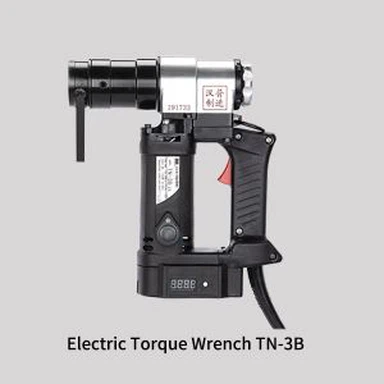
How To Use Digital Torque Wrench
May 04, 2020
How to use digital display torque wrenches ,After reading the short article prepared for you,I believe you will be finished.
How to use digital torque wrench
A:With the + button pressed,the machine drops and the digital display screen opens.
B:Shutdown mode,press S,+,-,three keys together,or without any operation,it will shut down automatically after 40 seconds.
C:After the machine is started,press the S key to call up the current set torque value.If you need to adjust,press the + sign to increase the value,-sign value decreases.Until the desired value is reached,then press the S key to confirm.
D:Press and hold the S button for about 3 seconds to select the torque unit.
E:To store three sets of data,press the + button for about 3 seconds,and then select the-sign to transfer to the next set of data.
F:Press the + key and S key to select the torque wrench operation mode (P and T)
G:The operating mode is that the index display screen does not display the torque value,but only flashes 5 times when the set torque value is reached.
H:The operating mode is that the index display screen displays the torque value at any time.Once the torque value is greater than the set torque value,the maximum torque value will be displayed.